
If you are looking for Upwork withdrawal to JazzCash in Pakistan, this guide explains how eligible freelancers can use Upwork Direct to Wallet, which local wallets are listed, how to add a withdrawal method, and what to check about fees and transfer times. We also cover Easypaisa and other wallet options available for Pakistani accounts.
Thank you for reading this post, don't forget to subscribe!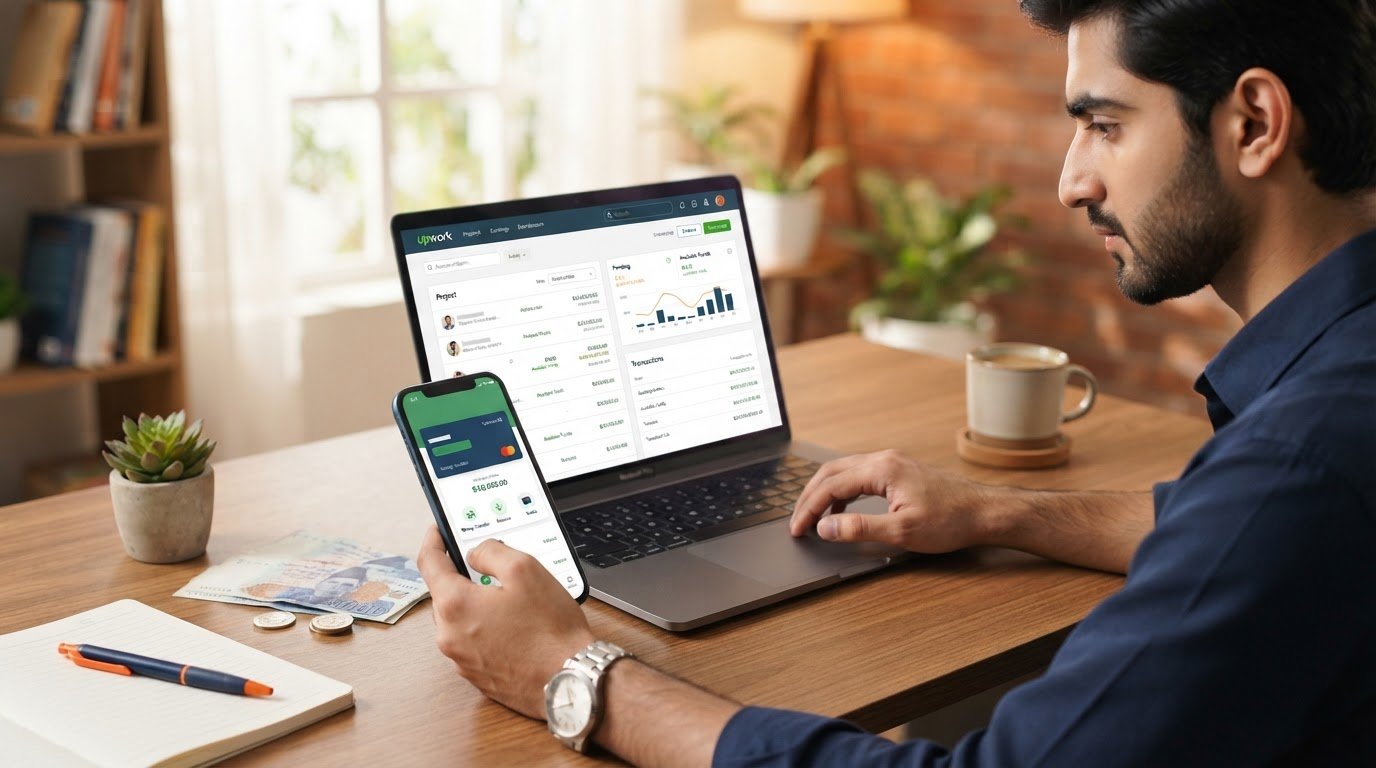
Quick answer: Upwork’s help centre lists JazzCash, Easypaisa, NayaPay, SadaPay and Finja for users whose profile country is Pakistan. The wallet options and fees shown in your own account are the final details to check before you confirm a transfer.
Upwork Withdrawal to JazzCash in Pakistan: Is It Available?
Yes. Upwork’s official Direct to Wallet information includes five wallet providers for Pakistan: JazzCash, Easypaisa, NayaPay, SadaPay and Finja. The options you see can depend on your profile country and account. If a wallet does not appear in your withdrawal settings, check that your Upwork profile country is correct and consult Upwork Support.
Direct to Wallet is different from withdrawing to a local bank or using Payoneer first. It gives eligible freelancers another route for receiving money, but you should compare the fee, exchange rate and limits shown in your account before choosing a method.
Wallets Supported by Upwork in Pakistan
| Wallet | Listed for Pakistan | What to check |
|---|---|---|
| JazzCash | Yes | Use an active account registered in your own name. |
| Easypaisa | Yes | Confirm the account details and eligibility in the setup flow. |
| NayaPay | Yes | Check that your wallet is active and verified where required. |
| SadaPay | Yes | Confirm the account can receive the transfer. |
| Finja | Yes | Check availability and limits with the provider. |
Upwork says wallet availability depends on the country in your profile. The provider list and transfer conditions can change, so use the choices displayed under your own account’s withdrawal settings rather than relying on an old screenshot or an unofficial list.
How to Set Up Upwork Withdrawal to JazzCash
Follow these steps to check whether Direct to Wallet is available in your account:
- Sign in to your Upwork account.
- Open Account Settings on desktop, or Settings in the mobile app.
- Go to Withdrawals.
- Select Add a method.
- Look for Direct to Wallet or the wallet option shown in your account.
- Choose your provider, such as JazzCash or Easypaisa, and enter the requested details carefully.
- Review the fee, currency conversion and any displayed limits before saving.
- After the method is active and your earnings are available, open Manage finances and choose Withdraw earnings.
Upwork’s general withdrawal instructions say a newly added payment method becomes active after a three-calendar-day security period. Do not assume that money will be available immediately after adding a wallet; the funds must first clear Upwork’s payment schedule.
How Long Does an Upwork Wallet Withdrawal Take?
Upwork says most Direct to Wallet transfers arrive within minutes. In some cases, a transfer can take longer. If it has been more than 24 hours and your wallet provider has no issue, Upwork advises contacting its support team.
Remember that the time needed for your contract earnings to become available is separate from the wallet transfer time. Upwork’s payment guidance says fixed-price funds are generally released five days after a client approves a milestone. Hourly contract earnings follow a different billing and review schedule; check the payment status shown in your account.
Upwork Withdrawal to JazzCash: Fees and Exchange Rate
Do not assume that wallet withdrawals are free or that every provider has the same charge. Upwork’s public fee guidance says the withdrawal fee varies by Direct to Wallet option. It also explains that the exchange rate used for a local-currency withdrawal includes currency-conversion costs, and your wallet provider may apply its own charges.
Before confirming a withdrawal: check the exact fee and the PKR amount shown on Upwork’s final confirmation screen. Fees and limits may change, and the amount displayed in your account is more reliable than a fee quoted in an older blog post or social media video.
Important Checks Before Your First Withdrawal
- Name matching: Upwork says the beneficiary name on a withdrawal account must match your verified Upwork name. Make sure your wallet is registered under the correct name.
- Correct details: Double-check the wallet number and every detail requested during setup.
- Activation period: Allow the three-calendar-day security period after adding a new withdrawal method.
- Available balance: Only withdraw funds that have cleared and appear as available in your Upwork account.
- Fees and limits: Review the current withdrawal fee, exchange rate and wallet limits before confirming.
- Account security: Never share your Upwork password, wallet PIN or one-time password with anyone claiming to help process a withdrawal.
Why Is Direct to Wallet Not Showing in Your Upwork Account?
If you cannot see JazzCash, Easypaisa or another local wallet, first check that your Upwork profile country is set to Pakistan. Then review the withdrawal methods available to your account. Upwork says payment options can vary, so the list shown to one freelancer may not always look identical to another account.
If your country is correct and the option is still missing, do not enter false location details or use another person’s wallet. Contact Upwork Support and ask whether Direct to Wallet is available for your account.
Direct to Wallet vs Payoneer or Local Bank
Direct to Wallet is one possible withdrawal route, not a requirement for every freelancer. Upwork may also show local bank transfer or third-party payment providers, depending on your account and country. Compare the total fee, exchange rate, delivery time and your own access to each service before selecting one.
If you are still comparing freelance marketplaces, read our guide to the best freelancing websites in Pakistan. You can also explore our Fiverr review to understand another popular marketplace, or our guide to online jobs in Pakistan without investment.
FAQs About Upwork Withdrawal to JazzCash
Can I withdraw Upwork money directly to JazzCash in Pakistan?
Upwork lists JazzCash as a Direct to Wallet option for Pakistan. To check Upwork withdrawal to JazzCash eligibility, open your own withdrawal settings and confirm the wallet appears. Check your own withdrawal settings to confirm that it is available for your account.
Does Upwork support Easypaisa withdrawals?
Yes. Easypaisa is included in Upwork’s published list of Direct to Wallet providers for Pakistan. Availability can depend on your profile country and account.
How long does it take to activate a new wallet method?
Upwork’s general guidance says a newly added withdrawal method becomes active after three calendar days for security reasons.
How much does Upwork charge for wallet withdrawals?
Upwork says the fee varies by wallet. Check the amount shown in your own account before confirming the withdrawal. Your wallet provider may also charge a fee.
Why has my Upwork withdrawal not arrived?
Check the transaction status and confirm that your wallet details are correct. Upwork says most transfers arrive within minutes, but some may take longer. If more than 24 hours have passed and your provider reports no issue, contact Upwork Support.
Official Sources
- Upwork: Direct to Wallet fees and timing
- Upwork: How to use Direct to Wallet
- Upwork: How to get paid
PlayRewadz note: Withdrawal options, fees and eligibility can change. Always confirm the latest information in your Upwork account and on Upwork’s official Help Centre before making a payment decision.